
Introducing MenuRoom: A Searchable Approach to Restaurant Menus
WhatsMyIP Team ·
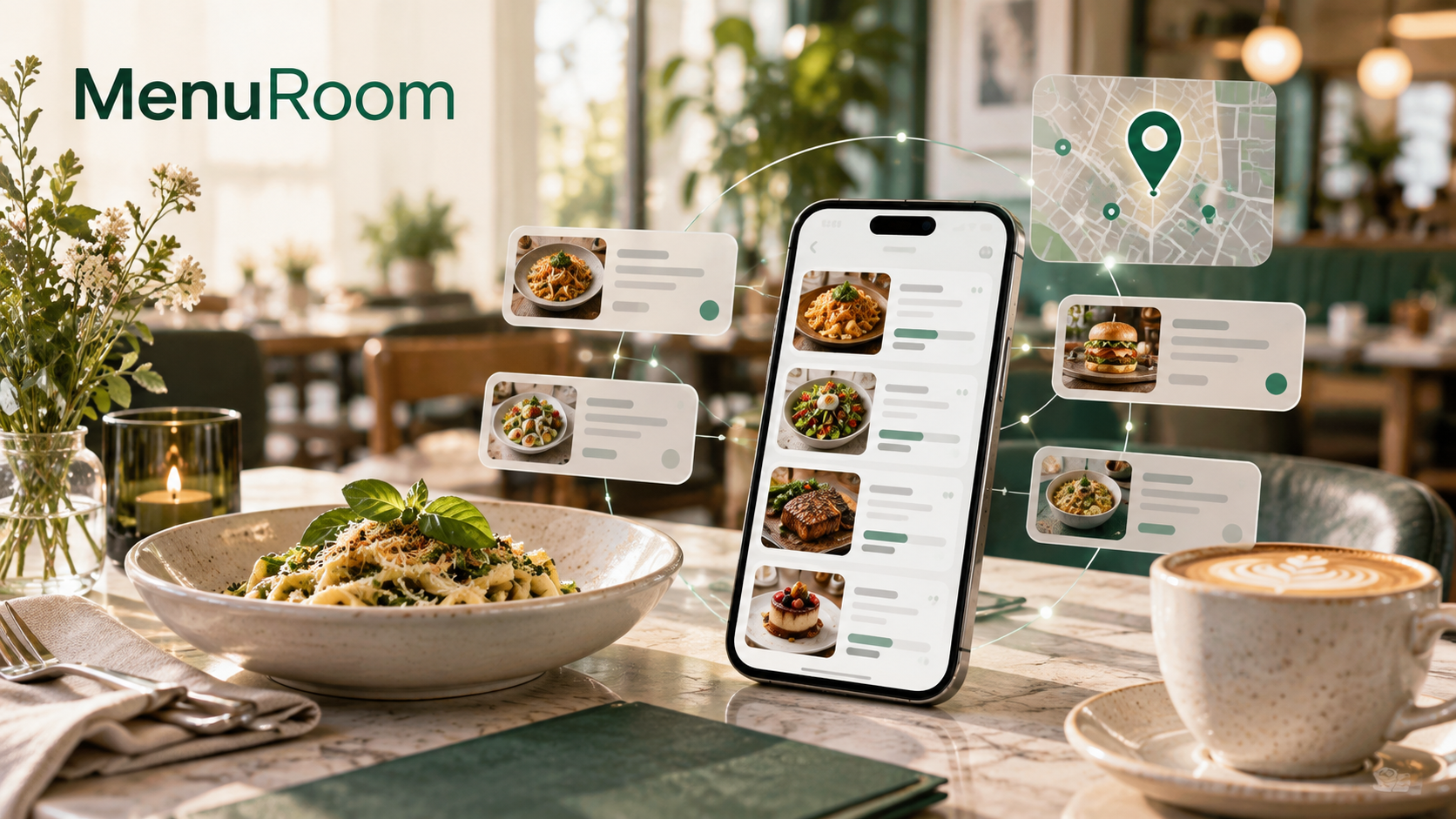
Project update: MenuRoom and WhatsMyIP are WebFinance Digital projects. This article describes our own product, not an independent review.
From the team behind WhatsMyIP: our new project makes it easier to explore dishes, menu prices and lunch options without opening a dozen restaurant websites.
Finding a restaurant online is straightforward. Finding a particular dish, checking its listed price and comparing it with nearby alternatives can require considerably more work.
Menus live in different formats: web pages, PDFs, photographs and scanned menu boards. The information may be readable, but that does not necessarily make it easy to search or compare.
We built MenuRoom to help with that problem. It is our own restaurant and menu discovery service, developed by the team behind WhatsMyIP. This article introduces that project and the information problem it aims to solve.
From readable documents to searchable information
A menu photograph can tell a person what a restaurant serves. It cannot, by itself, answer a search for a particular dish within a chosen price range.
For that, the information needs structure: dish names, descriptions, prices and menu sections that can be presented consistently. MenuRoom organises menu facts from available sources and owner contributions so visitors can search for dishes or restaurants, explore food categories and narrow their search by place and price.
For WhatsMyIP readers, the connection is practical rather than culinary. Our tools help people inspect information that might otherwise be difficult to interpret. MenuRoom applies a similar idea to an everyday task: finding useful details across a fragmented web.
The challenge is not just extracting text. A dish may have several sizes, a meal deal may include a drink, and a lunch offer may only apply on certain days. Those distinctions matter when deciding whether two options are actually comparable.
A concrete example: finding lunch between meetings
Imagine you are working in an unfamiliar town and have an hour for lunch. You would like pasta, want to stay within a budget and do not know the local restaurants.
Instead of opening each restaurant website separately, you can start with MenuRoom’s lunch finder, choose the town and filter by food type and maximum price. Date filters and a dated-lunch option help distinguish scheduled lunch menus from more general options. Results can be explored in a list or on a map where coordinates are available.
You can then inspect the dishes and listed prices, check the source information and confirm the details with the restaurant before heading out. Public browsing does not require an account.
The aim is to make that initial comparison easier—not to promise that every menu is complete or that every price is current.
Nearby search is not the same as IP geolocation
MenuRoom lets you choose a place manually or request nearby results using the browser’s location feature. Sharing your location is optional and requires permission.
That is different from an IP-based location estimate, a distinction familiar to readers of WhatsMyIP. Neither an IP address nor a nearby-search result should be treated as a guarantee of an exact street location.
MenuRoom identifies estimated positions where applicable, and its displayed distances are straight-line estimates rather than walking routes. A map helps narrow the options; it does not replace checking how to get there.
Useful data needs context—and corrections
Making information searchable is only part of the job. Visitors also need to understand its limitations.
MenuRoom shows source links and available update information alongside menu details. Multiple interface languages and automatically translated menu content can help when exploring unfamiliar places, but translations may contain errors. Dietary requirements and allergens should always be checked directly with the restaurant.
Verified restaurant owners can manage menu items, prices, contact details and opening hours through the free owner tools. Their corrections take priority over automatic updates. Visitors can also submit photos and other contributions through review flows rather than changing a restaurant’s information immediately.
MenuRoom is an independent information service, not a booking platform or the official website of every restaurant listed. Keeping that distinction clear is part of making the information useful.
A new project from our team
MenuRoom takes us beyond network tools, but the motivation is familiar: turn information that takes effort to find into something easier to use.
If you are planning a team lunch, exploring a new town or simply curious about another project we have built, visit MenuRoom and try searching for a dish you enjoy.