
Why Is My IP Location Wrong? Check and Correct It
Work out why your IP shows a different city or country, compare VPN and mobile connections, and find the right way to request a correction.
WhatsMyIP Team ·
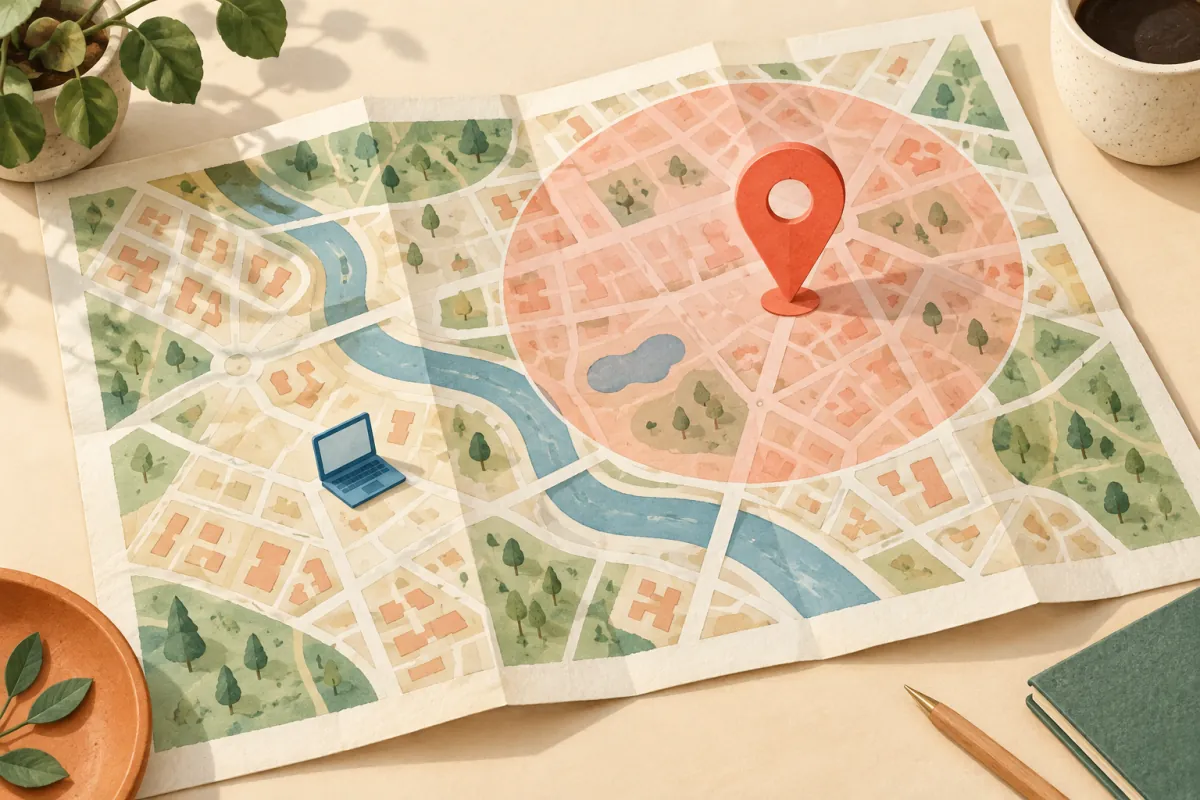
A city shown beside an IP address is an estimate, not a reading of your phone's GPS. An unexpected location can reflect your internet provider, a VPN exit, or an outdated database entry. Start by checking which address and connection produced the result before changing any settings.
Check the result · Compare connections · Request a correction
First, make sure you are looking up your own connection
- Open your public IP address in the browser you are troubleshooting. If you previously pasted another address into a lookup, its result describes that address, not necessarily you.
- Use IP geolocation to check the same address. Compare the country, estimated city and network organisation; do not treat a map point as a household location.
- Note the connection: home Wi-Fi, mobile data, work network or VPN. Keep the address and time in a private note if you need to report a problem.
MaxMind explains that accuracy varies with network type, geography and provider practices. Its data cannot reliably identify a particular person, household or street address. A VPN result may describe the server rather than the person using it. See MaxMind's accuracy explanation.
Use the mismatch to choose your next step
- The location changes when your VPN connects
- Check the VPN's selected exit and whether this browser is included in its routing. The address visible to a website can differ from your home connection. Read what a VPN changes before treating a different city as a fault.
- Mobile data shows a distant city, but Wi-Fi looks closer
- Compare the addresses, not just the city names. Mobile addresses may serve users across a broad area. MaxMind may report a larger nearby metropolitan area rather than a smaller locality; its coverage notes explain why.
- Two lookup sites disagree about the same address
- Identify each site's data provider and record the results at the same time. Independent databases and update schedules can disagree; the number of sites repeating a result does not prove that they use independent sources.
- Only one app insists you are somewhere else
- Check that app's saved region and location permissions. A browser can also request device location through the permission-based Geolocation API. That is a separate mechanism from an IP lookup, so changing IP does not necessarily change the app's answer.
Report the right problem to the right provider
If the address and network are correct but the database entry is wrong, use the data provider's correction process. For MaxMind, start with its data correction request. Follow the form's current requirements and provide only the information needed. A shared address used over a wide area may not support a more specific correction.
For a problem limited to another website, ask its support team which location source it uses. A correction to one database does not automatically update every service, and a website using a downloaded database must also refresh its copy. Recheck the same address after the provider has processed the request; do not assume that a new connection will receive the old address.
If you contact us through WhatsMyIP support, include the tool, time, broad expected region and whether a VPN was involved. Do not post your address, account credentials or exact home location in a public comment.
What usually is not the right fix
A wrong city alone is not proof that someone accessed your account. Conversely, an unfamiliar sign-in should still be checked in that account's security history. Buying a VPN or resetting a router is not a substitute for diagnosing the mismatch. If you actually need a different connection address, use the separate IP address change guide.